Client
Personal
Services
Design System
UI & UX Design
Industries
Productivity
Year
2023

Introduction
Built by design, not by default
Many of us earn our living through the Internet. Why do we still rely on outdated hardware input devices that are mass-manufactured and slow us down?
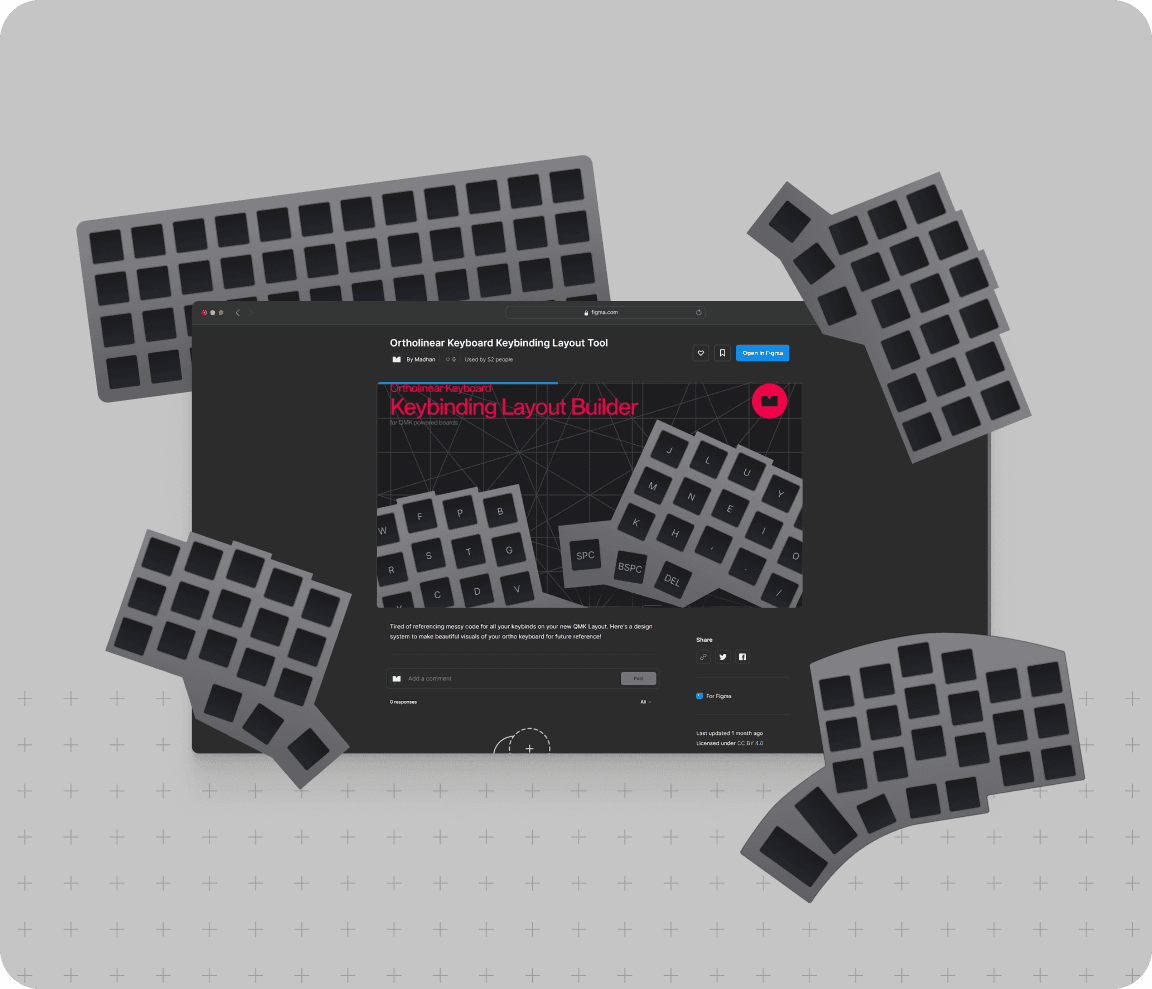
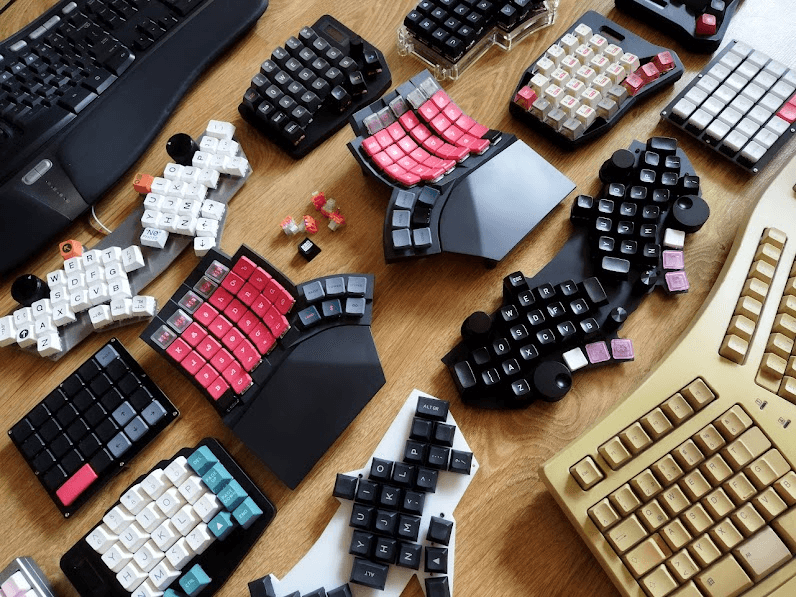
Ortholinear keyboards by Drop
This is why I love building custom keyboards it allows me to build everything from the ground up.
my hardware.
my modification.
my software.
Every piece is put into its place with intention.
Keyboard tech has evolved to give birth to so many superior possibilities
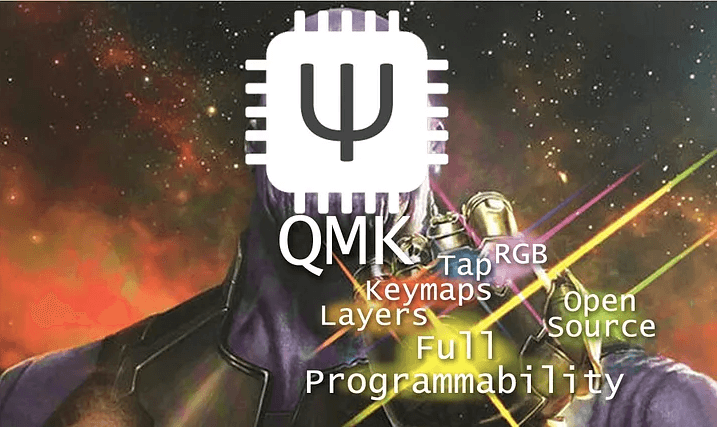
"QMK and the Infinity Features: Layers, Keymaps, Tap, RGB, Open-Source, and Full Programmability" by Thomaz Moura
To some people, it's over the top, but the feel of a device crafted for you and only you is exciting for a lot of tech enthusiasts.

Member numbers for my top 4 keyboard subreddits
Customized solutions, customized problems…
Seems pretty cool, but here's the problem.
There's a pretty steep learning curve and it isn't very helpful that the only instruction manual that you have looks like this
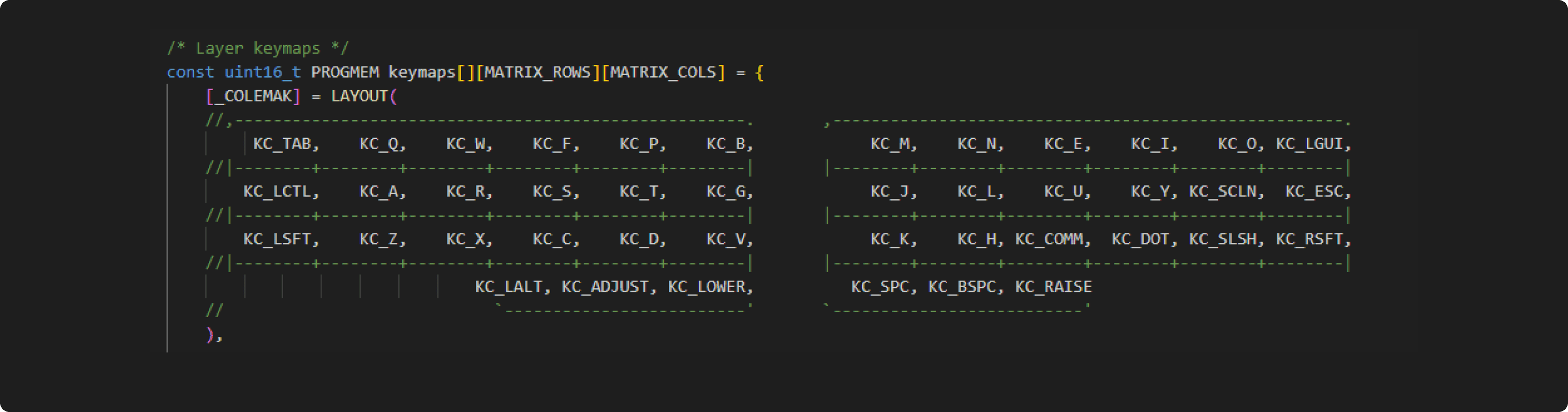
software for the keymaps viewed in a code editor
"Making the hobby more friendly might help people overcome their fear of technical complexity"
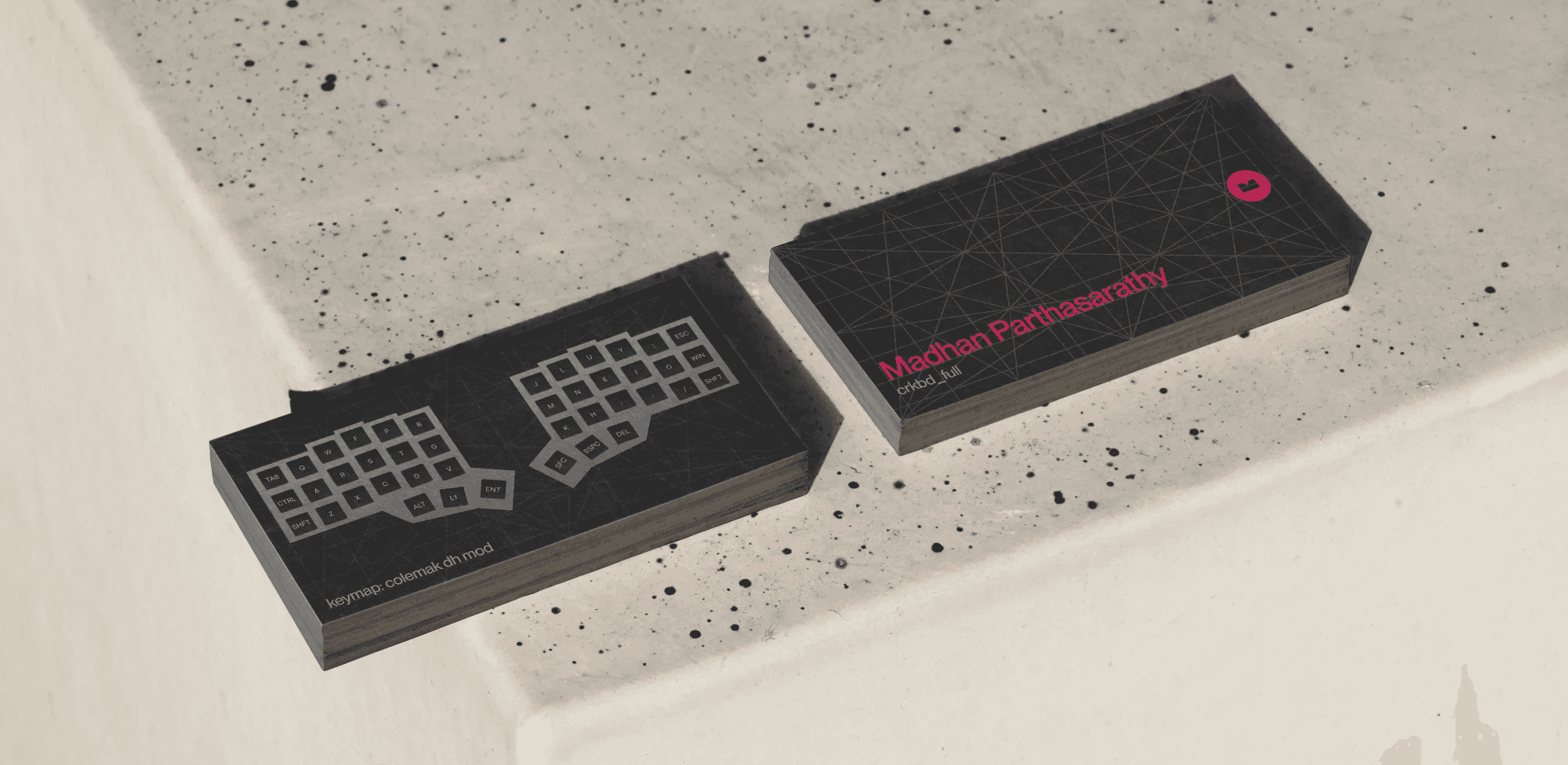
A helpful tool for learning a new keymap is to make a cheat sheet for all the keys
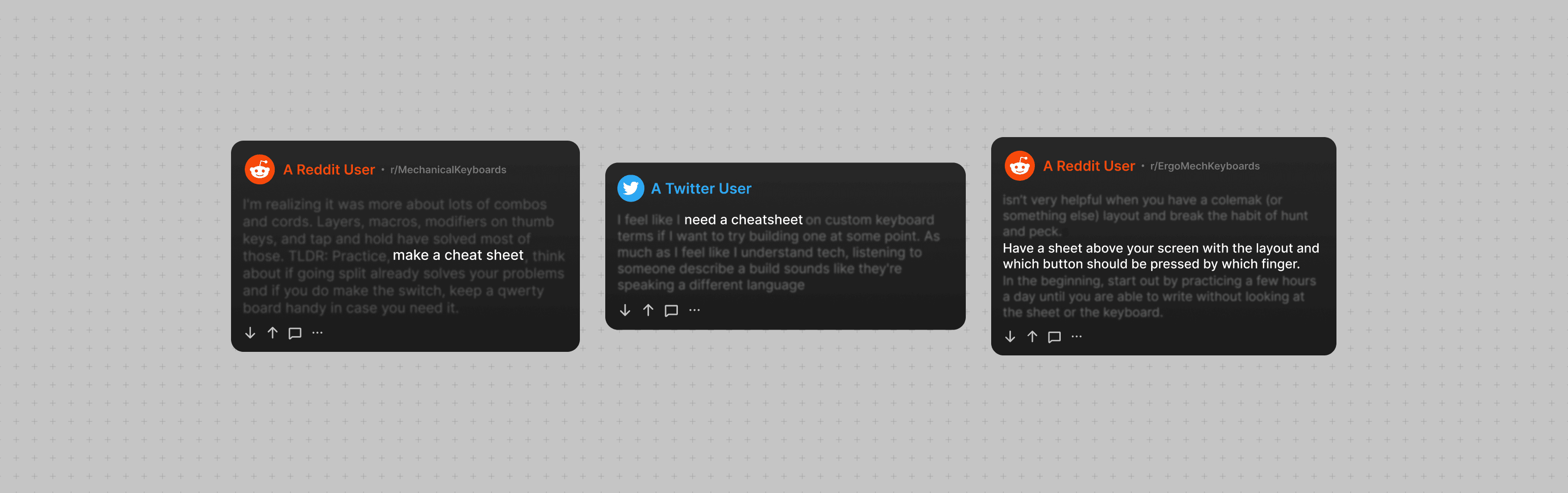

multiple people highlighting the importance of cheat-sheets
No one tells you how to make one tho...
And most of the solutions are either UGLY or BIG :(
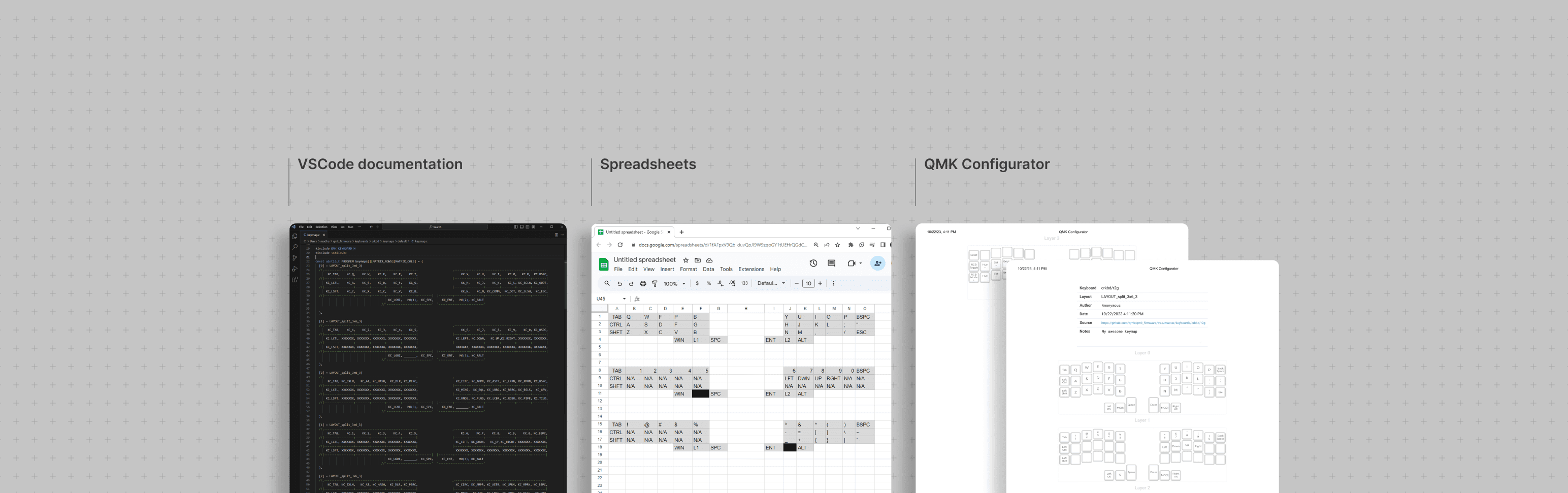
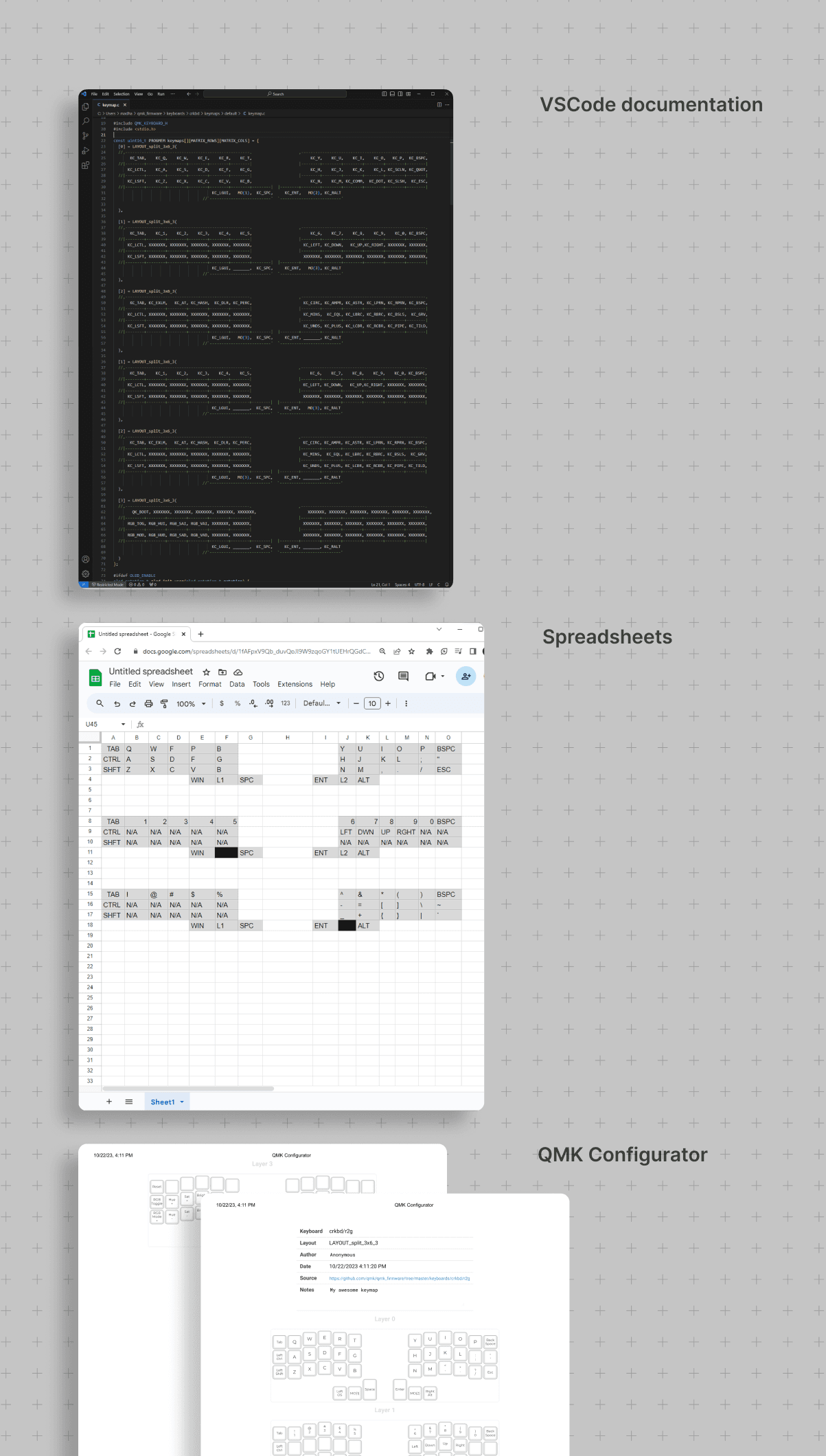
current makeshift solutions
the best one I could find was a site that could give you printouts of your keymap. which is an inconvenient solution.
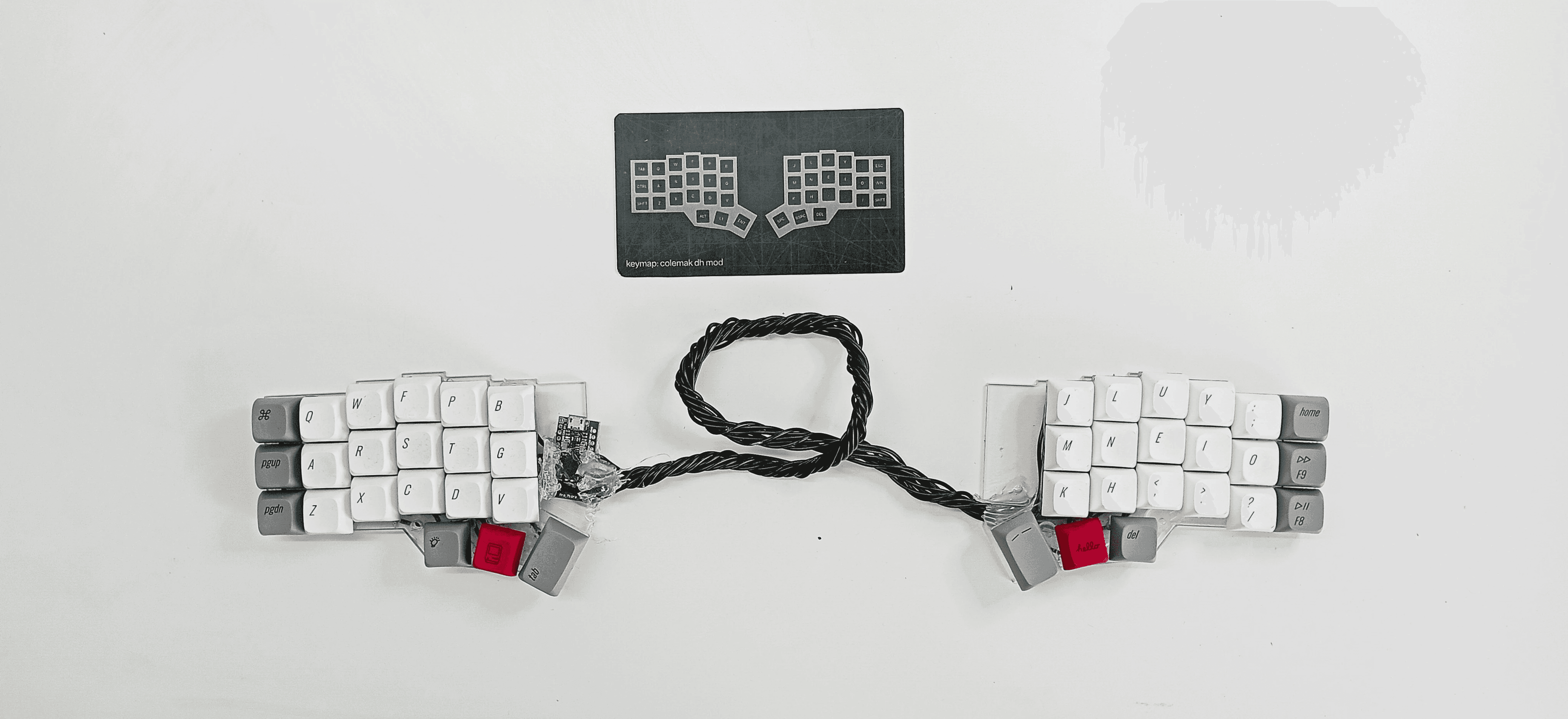
showcasing the inconvenience between a printed keymap and the proposed solution